Quiet Quest
Quiet work earns gold. Your class decides what to buy.
A classroom noise meter with a class economy. Every quiet stretch is a payday for the whole class. Save up together for new creatures, worlds, hats and gear. Get too loud, and the friends run away and the mobs go poof.
Runs in your browser. No downloads, no student accounts, no ads.
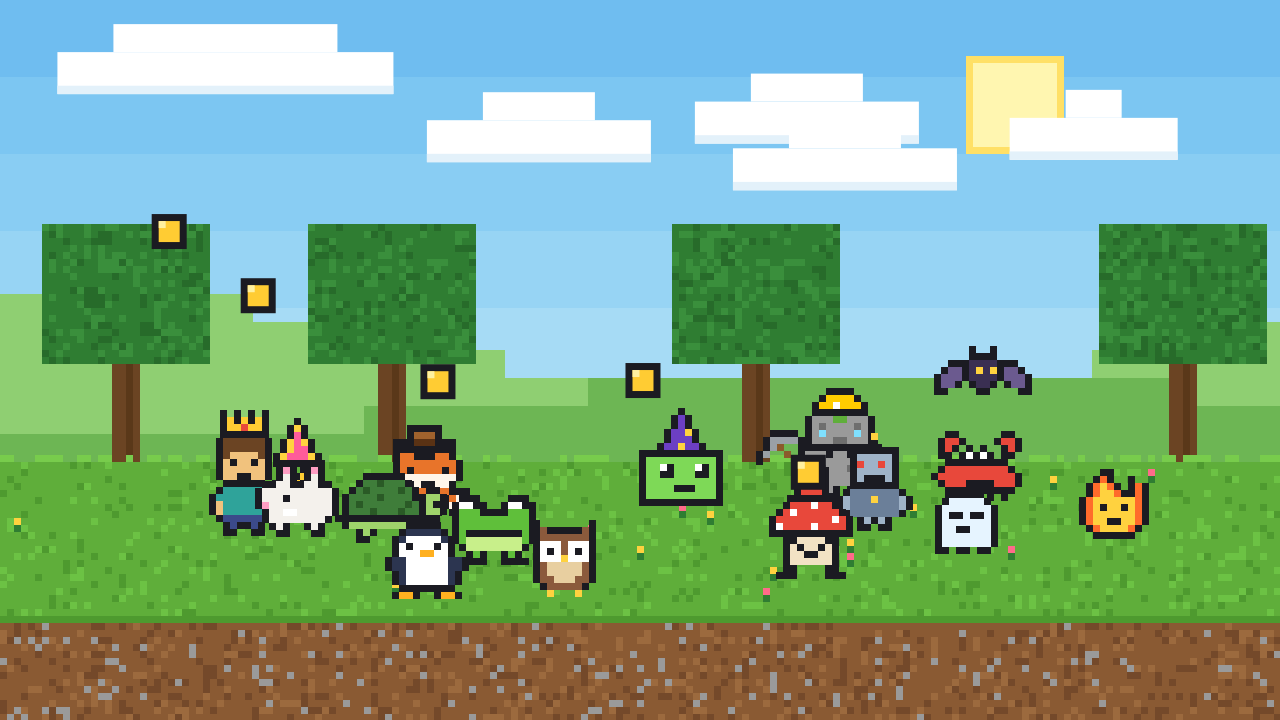
The class shop
All the gold goes into one class bank. Kids vote on what to save for, watch the total grow on the board, and celebrate together when they finally buy it.




How it works
Quiet Quest listens to how loud the room is. Nothing is recorded. It only measures the volume, right on your computer.
1Work quietly
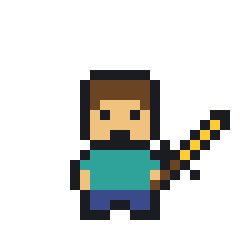
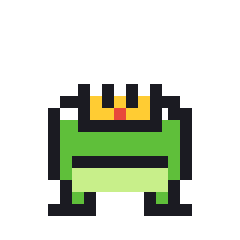
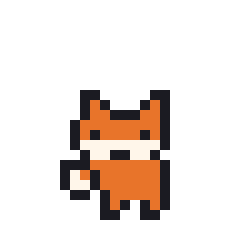
Every stretch of quiet time fills the payday bar. Each creature on screen drops a coin into the class gold. Streaks earn bonus gold.
2Too loud?
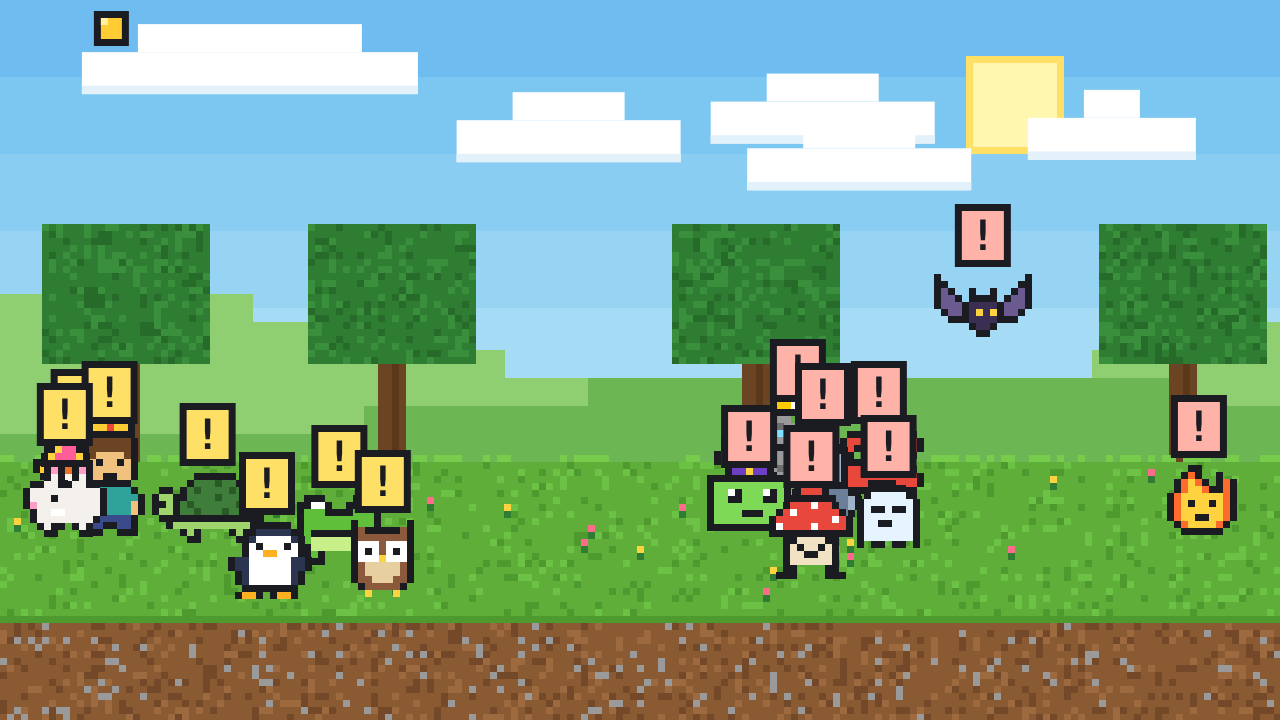
The friends run off the screen and the mobs go poof. They come back once the room is quiet again, and the class starts earning again.
3Spend it together
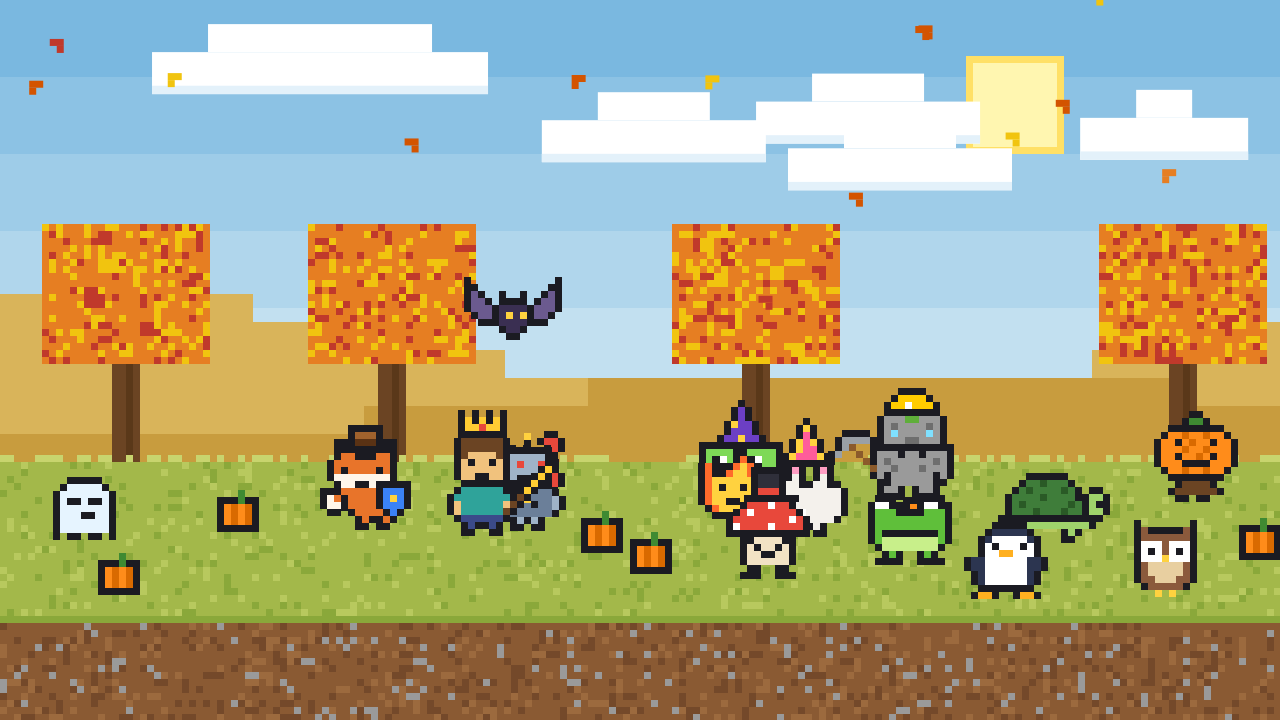
Spend class gold on new creatures, worlds, skins, hats and gear. Every purchase shows up on the board right away.
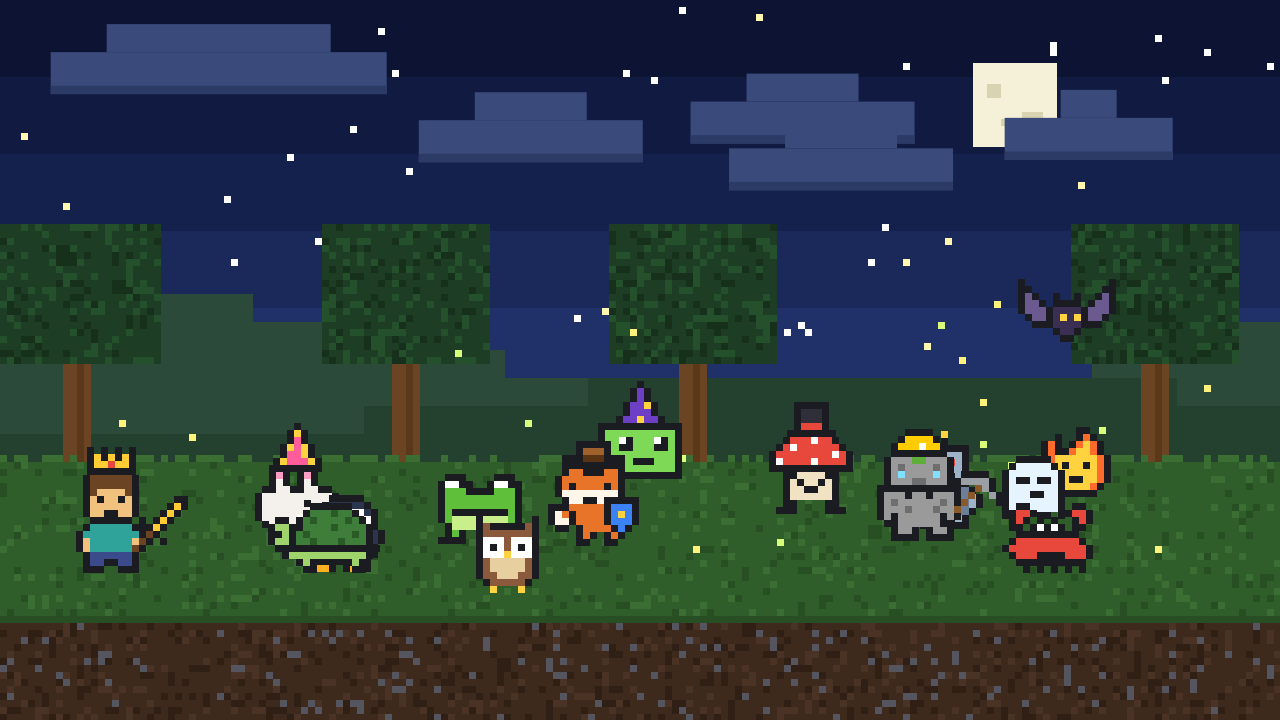
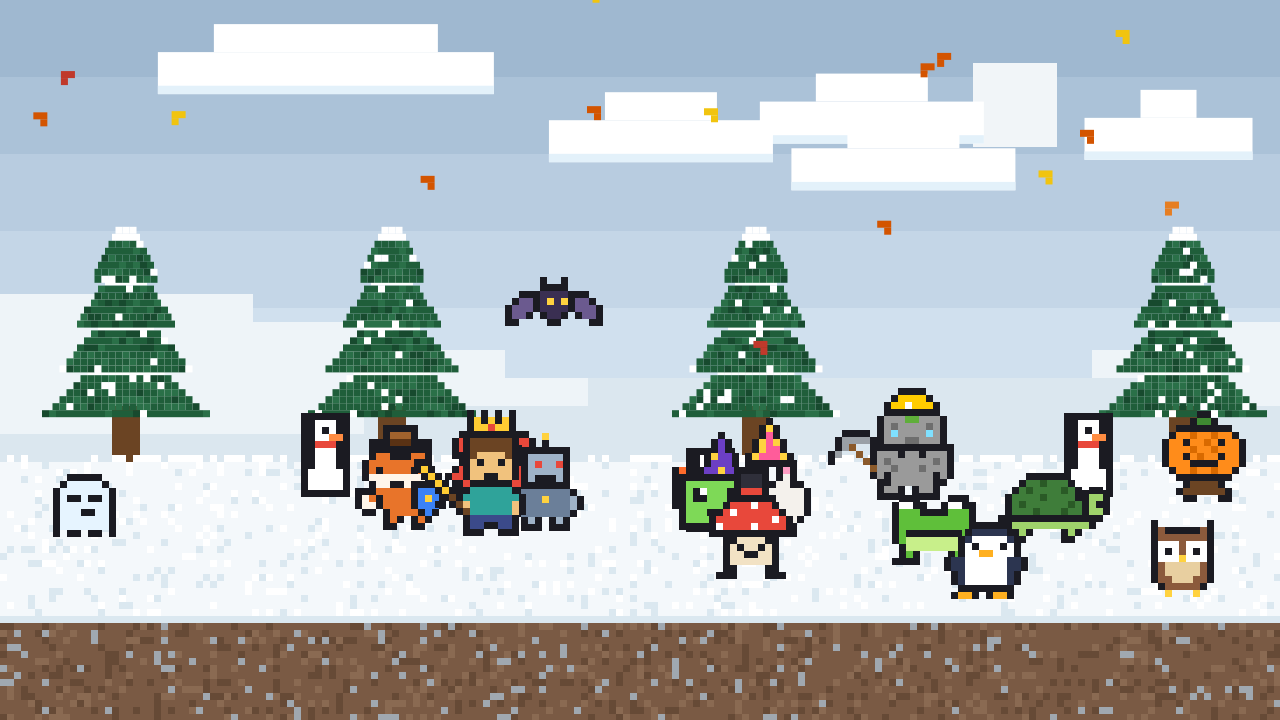
Worlds to unlock
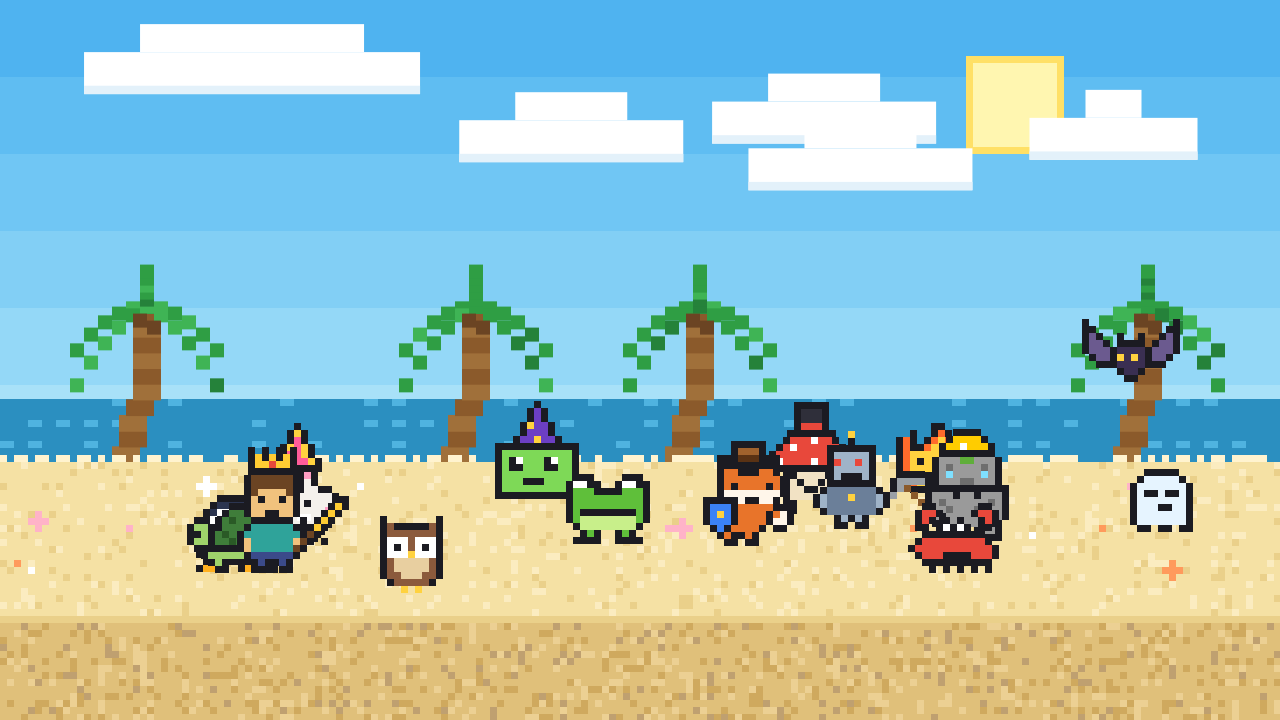
Change the scenery with class gold. Holiday events bring limited-time worlds, visitors and prizes.
Free and Pro
Start free and use it with your class as long as you like. Upgrade once when your class is ready for the whole shop.
Free
- Noise meter, paydays, streaks and the class shop
- 6 starter friends and mobs
- Sunny Meadow and Desert Dunes worlds
- A starter set of skins, hats and gear
- Holiday events with weather and a visitor
- Lo-fi Study music station
Pro
Launch price. Pay once. For one teacher, on up to 3 computers.
- Every creature: 9 more friends and mobs
- Every world, skin, hat and piece of gear
- Holiday Shop, and you choose the event dates
- All 4 music stations
- Separate gold and creatures for each class or period
- Backups to move your classes to a new computer
Made for classrooms
Questions
What do I need?
A classroom computer with a microphone (most laptops have one built in) and Google Chrome. Put it up on your projector or board. It also works in Chrome on Chromebooks.
Does it record my class?
No. Quiet Quest measures how loud the room is, moment to moment, and throws the sound away right away. Nothing is recorded, saved or sent anywhere. See the privacy policy.
How do I set the right noise level?
Open the Teacher panel while your class works at a normal quiet volume, then set the white line a little above the green bar. You can also choose how long the noise has to last before it counts, so one cough doesn't set it off.
Is the gold real money?
No. Gold is only earned by being quiet and only spent inside Quiet Quest. Kids can never spend real money in the app.
Will the music set off the noise meter?
It can if it's loud. Keep the music low, or raise the noise limit a little while it plays. All music is written by the app as it plays, so it's free to use in class.
I teach more than one class. Can each have its own gold?
Yes, with Pro. Each class keeps its own gold, creatures, worlds and noise settings. Switch between them in the Teacher panel.
How does Pro work?
Buy Pro and you get a license key by email. Paste it into the app once and everything unlocks. One key works on up to 3 computers, like your classroom computer and your laptop.
What if it doesn't work for me?
See the refund policy, or reach me at .